
MacBook Repair Shop Dubai only MacTech Pro
Let's be honest. Finding a good MacBook repair shop and real experts in Dubai is tough. You search online, see a dozen listings, and half have no reviews, no clear pricing, and no real explanation of their services. You take your MacBook in, someone glances at it for 30 seconds, then gives you a quote that's way too high — or, even worse, you get it back "repaired" only for the same problem to return three weeks later.
That's not how we do things at MacTech Pro. We've been fixing MacBooks in Dubai for years, so we know what people want: an honest diagnosis, a fair price, and a laptop that works again. No drama. No upselling. No vague explanations. Just clear answers and solid repairs.
What Actually Happens at MacTech Pro When You Walk In
Many shops take your MacBook, disappear into a back room, and then return with just a price. We don't do that. When you bring your device to us, or when our technician visits your home, we sit down with you, perform a thorough inspection, and clearly explain what's wrong in simple terms. Before we begin, we'll tell you: what the problem is, how much it will cost to fix, and how long it will take.
MacBook Won't Turn On? This Is What We Usually Find
MacBook won't turn on — the most frightening thing. Before you panic, know this: fixing a MacBook that won't turn on is one of our most common jobs in Dubai, and most cases are completely fixable.
- Battery completely dead — Won't start even when plugged in
- SMC or NVRAM error — Sometimes a reset fixes it in minutes
- Logic board fault — We do component-level repairs, not full board replacement
- Water spill damage — Corrosion can shut a MacBook down days after a spill
MacBook Screen Replacement in Dubai
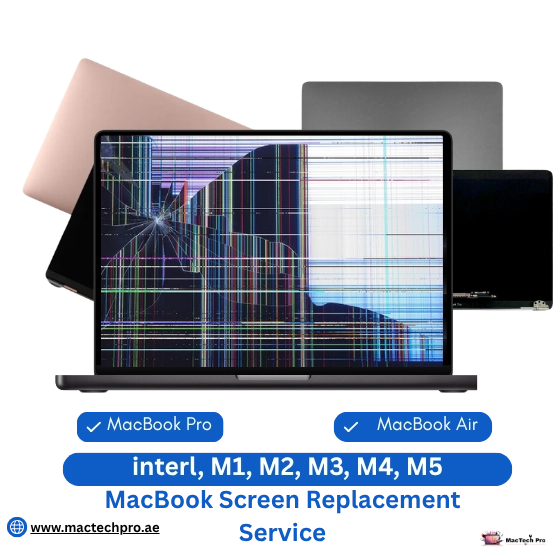
Broken screens are common. Maybe you close the lid too hard, someone sits on your bag, or the MacBook slips off the table. Then comes that heartbreaking moment — the beautiful, clear screen is now broken or completely black.
We stock display assemblies for all MacBook Air and MacBook Pro 13, 14, and 16-inch models, from older Intel models to newer M3 and M4 models. What we replace depends on the damage — sometimes just the glass, in newer Retina models the entire panel, and some MacBook Pros require the full display assembly.
Why Panel Quality Matters
It's easy to spot a cheap third-party panel — colors look washed out, brightness is lower, and True Tone might stop working. We use OEM-grade panels so your screen looks just like it did before. If you see a "stage light" effect below your screen (common in 2016–2019 MacBook Pros), it's a cable issue — we fix the root cause, not just swap the screen.
MacBook Screen Services
- MacBook Pro Screen Replacement
- MacBook Air Screen Replacement
- MacBook Cracked Screen Repair
- MacBook No Backlight Repair
- Retina Display Replacement
- Liquid Retina XDR Panel
- Stage Light Flexgate Fix
- Full Display Assembly
MacBook Battery Replacement: When "OK" Means "Not OK"
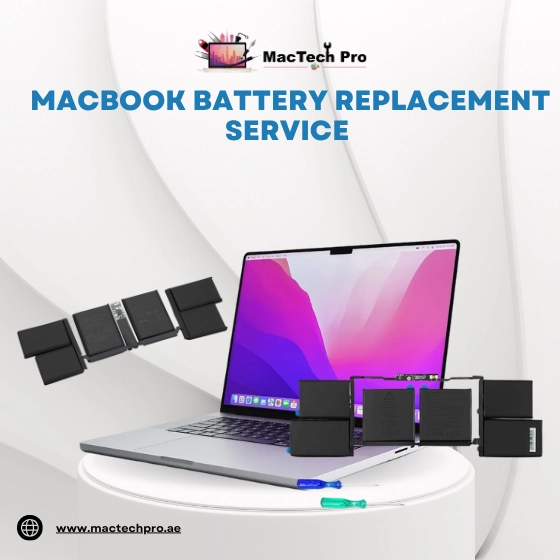
The laptop's battery reads 40%. You unplug the charger. Twenty minutes later, it's down to 12%. Then it suddenly shuts down at 8%. This isn't normal battery drain — the battery is reaching the end of its life. In Dubai's heat, batteries wear out faster than in cooler places.
At MacTech Pro, replacing a MacBook battery is one of our quickest jobs. Most models are ready in two hours. We install batteries that match Apple's original capacity and run a full calibration after fitting.
Warning Signs Your Battery Needs Replacing
- "Service Battery" warning in the menu bar
- MacBook shuts down unexpectedly even with remaining charge
- Battery draining in under 2 hours on a full charge
- Swollen battery causing trackpad to bubble upward
- MacBook only works when plugged in
Battery Services We Provide
- MacBook Pro Battery Replacement
- MacBook Air Battery Replacement
- MacBook Neo Battery Replacement
- Battery Swelling Repair
- Faulty MagSafe Port Fix
- Damaged Power Converter Repair
- Battery Health Restoration
- Full Calibration After Fitting
MacBook Keyboard Replacement
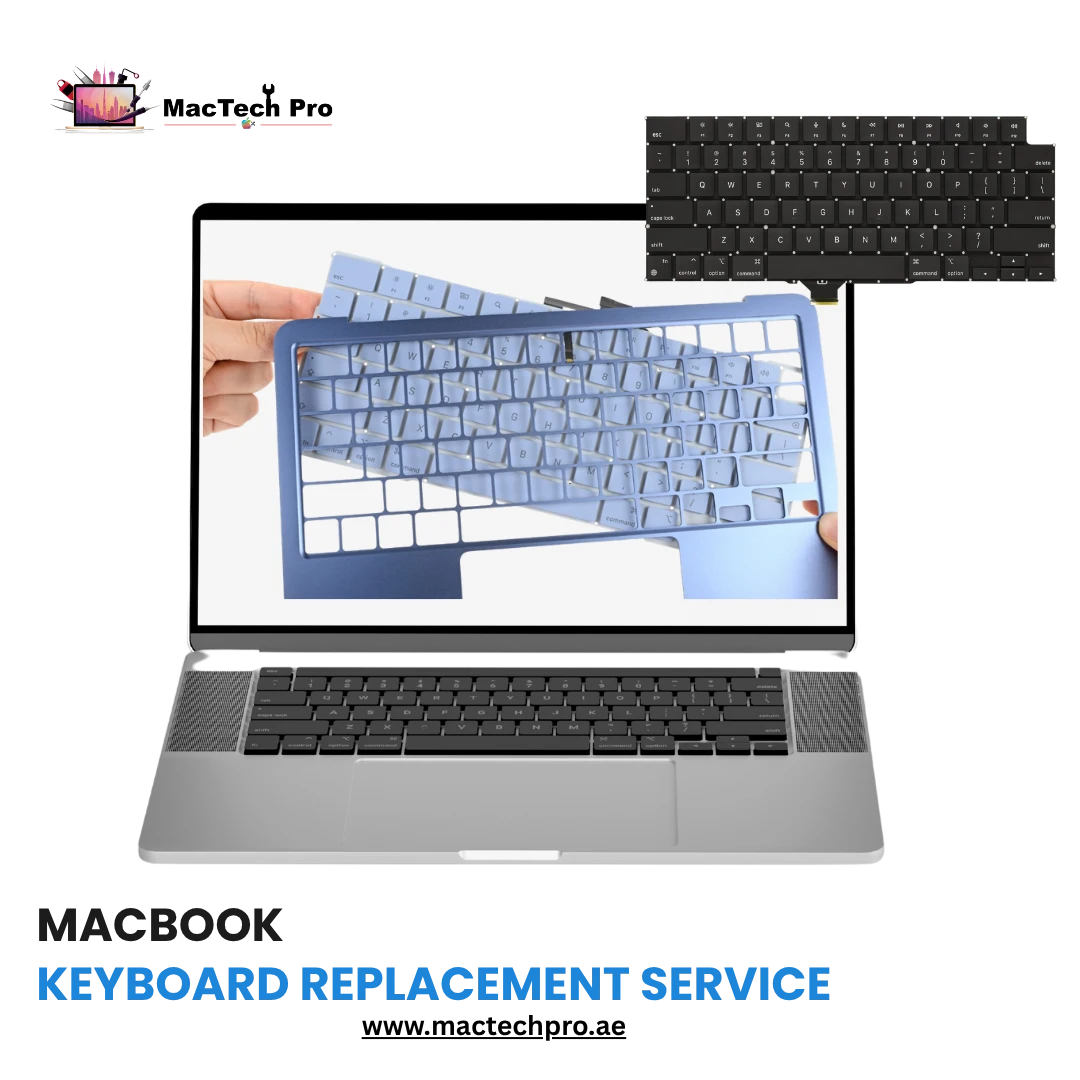
If you owned a MacBook Pro between 2016 and 2019, you probably know what we're talking about. Apple's butterfly keyboard was a real pain — keys wouldn't respond, a letter would be typed twice, or a speck of dust would get stuck. Apple eventually acknowledged the problem and changed the design, but many such MacBooks are still in daily use in Dubai.
Butterfly vs Scissor-Switch Keyboard
On butterfly models, replacing the MacBook keyboard means replacing the whole top case, since the keyboard is built into it. It's more work, but it solves the problem for good. On newer MacBook models with scissor-switch keyboards, it's possible to replace individual keys or the entire keyboard without replacing the entire top case.
Keyboard Issues We Fix
- Keys Not Registering
- Keys Sticking or Repeating
- Missing or Broken Keycaps
- Keyboard Backlight Not Working
- Butterfly Mechanism Failure
- Full Top-Case Replacement
- Individual Key Replacement
- Liquid Damage to Keyboard
Spilling water or a drink on your keyboard is a different issue — damage isn't just to the keys. Water can reach the logic board, which needs to be checked during repair. Don't just dry it and hope for the best.

MacBook Water Damage Repair Service
Repairing a Water-Damaged MacBook: The 48-Hour Rule
Time is crucial with liquid damage. The longer water or any liquid remains inside a MacBook, the faster corrosion spreads. Coffee is especially harmful due to its acidity and sugar. Water causes slightly less damage, but not much. Seawater or sugary drinks require immediate attention.
Fixing water-damaged MacBooks is MacTech Pro's specialty. We don't just dry it and plug it in, because that can quickly destroy the logic board. Instead, we take the MacBook apart, clean the board and affected parts with an ultrasonic cleaner, check each part, and replace any damaged components.
Our Water Damage Repair Process
- Full MacBook Disassembly
- Ultrasonic Board Cleaning
- Component-Level Damage Check
- Corrosion Removal
- Trace Repair
- Damaged Component Replacement
- Full Functional Testing
- 48hr Emergency Service
MacBook Logic Board Repair and Replacement
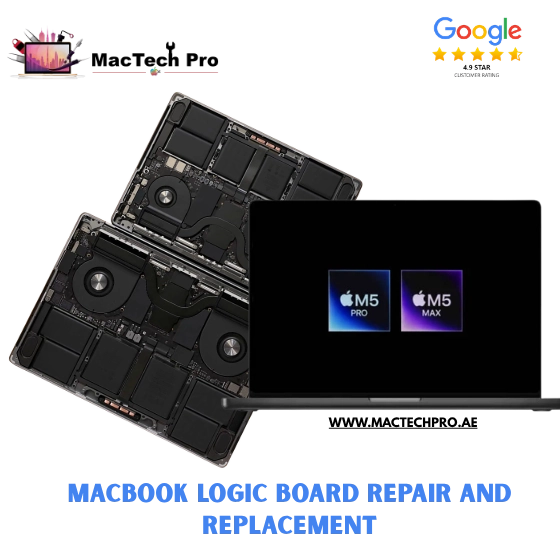
The logic board is the core of the MacBook. Everything else is just its support. When the logic board fails, it usually manifests as: the MacBook won't turn on, shuts down for no reason, kernel panics, graphics glitches, or USB ports suddenly stop working.
MacBook logic board repair is our most technical service, and frankly, this is where many repair shops in Dubai fall short. Many will say, "The board is dead, we need a new one," because they don't have the equipment or skills to go further. We do.
Our Logic Board Repair Capability
Our engineers use professional micro-soldering stations, digital oscilloscopes, and board schematic software to find and fix component-level faults — blown fuses, failed capacitors, faulty power management ICs, corroded traces.
Logic Board Issues We Repair
- MacBook Won't Turn On
- Kernel Panics
- GPU Glitches / Artifacts
- USB Ports Not Working
- Blown Fuse Repair
- Failed Capacitor Replacement
- Power Management IC Repair
- Micro-Soldering Service
MacBook Overheating Problems in Dubai
Dubai presents a unique thermal challenge for MacBooks. Your home or office is 20°C with AC, then you go out into 42°C heat, then come back inside. The MacBook is constantly adjusting. On top of this, desert dust accumulating in the cooling vents causes overheating. We see MacBook overheating issues in Dubai more often than technicians in colder countries.
Our Overheating Solutions
- Deep interior cleaning — A real cleaning requires opening the MacBook and cleaning the heatsink fins. We do this properly.
- Thermal paste replacement — On Intel MacBooks, dried paste can raise temperatures by 20–30°C. New thermal paste makes a huge difference.
- Fan replacement — If the fan is grinding or running at full speed even when idle, the bearings are worn out.
- Software diagnostics — Sometimes a background process is causing excessive load. We check that too.
Signs Your MacBook Is Overheating
- Fan Running Loudly Non-Stop
- Very Hot to the Touch
- Performance Throttling
- Unexpected Shutdowns
- Apps Freezing Under Load
- Battery Draining Fast
MacBook Trackpad Replacement
A faulty trackpad on your MacBook Pro is really frustrating, since it's your only pointing device. If clicks don't register, the cursor jumps, or Force Touch feedback is gone, it's worth getting it repaired. MacTech Pro replaces MacBook trackpads on all models.
Swollen Battery — The Hidden Cause
If your trackpad feels bulging or raised, it's almost always because the battery underneath is swollen. It's rare for the trackpad itself to be faulty. When this happens, we check both — because just replacing the trackpad and ignoring the battery is only a temporary fix.
Trackpad Issues We Fix
- Trackpad Not Clicking
- No Haptic Feedback
- Cursor Jumping Erratically
- Trackpad Physically Raised
- Click Registering Wrong Location
- Force Touch Not Working
- Software Calibration Fix
- Full Trackpad Replacement

MacBook and iMac Upgrade Services
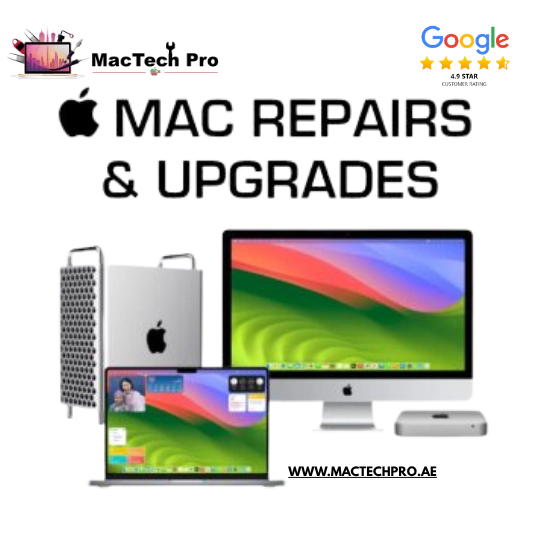
Not every visit to MacTech Pro is because something is broken. Sometimes your MacBook works fine, but it's just slow. In many cases, the right upgrade can make it feel like new.
MacBook Upgrade Services
SSD upgrades are often possible on Intel MacBook Pros from 2017 to 2019 — swapping a 256GB drive for a 1TB or 2TB gives you more speed and space. RAM upgrades are also possible on some older MacBook Pros — upgrading from 8GB to 16GB is great for multitasking and creative work.
Apple Silicon MacBooks (M1 and Later)
Apple Silicon models have built-in memory and storage, so hardware upgrades aren't possible. We focus on software optimization — cleaning startup items, identifying background resource-consuming apps, and ensuring macOS is properly configured for performance.
iMac Upgrade Service Dubai
The iMac 27-inch Intel models (up to 2020) have RAM slots that you can swap out. An 8GB iMac can be upgraded to 64GB of RAM — a tremendous difference for video editing, design, or virtual machines. SSD upgrades on older iMac models can make a sluggish machine absolutely speedy.
Upgrade Services Available
- MacBook SSD Upgrade (Intel)
- MacBook RAM Upgrade (Intel)
- iMac RAM Upgrade (up to 64GB)
- iMac SSD Upgrade
- macOS Software Optimization
- Startup Items Cleanup
- Performance Diagnostics
- Data Migration Service
What MacTech Pro Covers — Clearly
MacBook Air
2017 Intel to M4 & M5 — all models repaired
MacBook Pro
All screen sizes & chip generations — Intel, M1–M5
iMac
2017 Intel line to current M4 24-inch
For every repair — whether it's a quick one-hour MacBook fix or a complex three-day logic board repair — our process is the same: accurate diagnosis, transparent quotes, quality parts, thorough testing, and a warranty on the work.
MacBook Repair Shop — Areas We Serve Across Dubai
MacTech Pro provides MacBook repair service across all Dubai districts. Home visits and free pickup & delivery available across the city.
Book Your Free MacBook Diagnostic
Fill in your details — we'll contact you on WhatsApp within minutes
🔒 Your information is safe — we never share your details