
Spilling liquid on a MacBook Pro 14" (A2442) doesn't have to be the end of your M1 Pro or M1 Max chip.
People assume a spill means a dead machine and a five-figure quote. It usually doesn't. What it means is a clock starting — and a window, measured in hours, where the right intervention saves the board, the data, and a small fortune. Here's a real one off the bench at MacTech Pro, and exactly what we did.
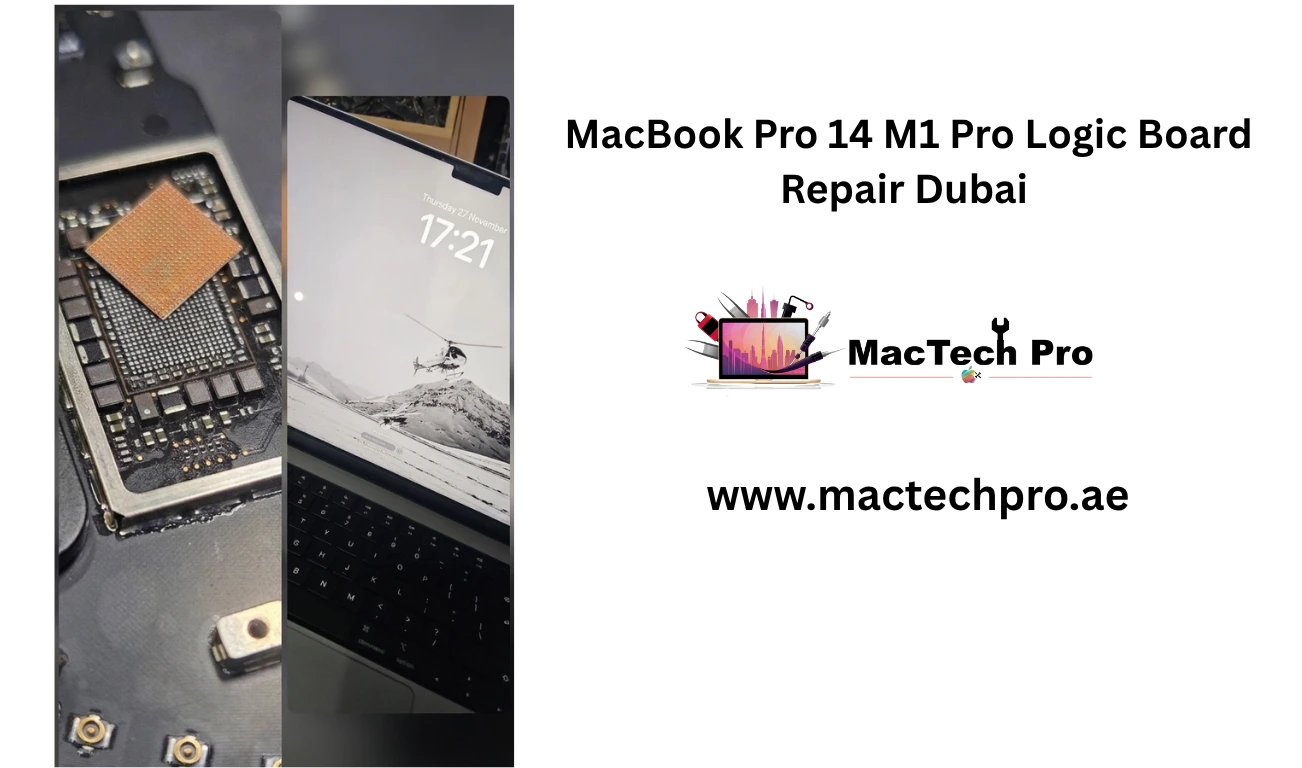
The machine came in dead. A spill had bypassed the keyboard membrane and reached the logic board, settling on the power rails — the worst place it could land.
That matters more on Apple Silicon than people realize. The M1 architecture packs an enormous amount of circuitry into a tiny footprint. Component density is brutal: power management ICs, sense resistors, and capacitors sit fractions of a millimeter apart. When conductive residue from a spill lands there, it doesn't need to be much. Even a thin film of corrosion can bridge two pins that were never meant to touch, and the moment that happens you have a short circuit pulling current across a rail it should never reach.
Leave it, and the problem compounds. Liquid residue stays chemically active long after the surface looks dry. It keeps reacting with the copper, creeping under chips and along traces, until pads lift and connections die for good. A spill that's survivable on Monday can be a write-off by Wednesday.
There's no shortcut here, and anyone who tells you they'll "just dry it out and see" is gambling with your board. This is what proper liquid-damage work looks like at MacTech Pro.
The outcome in this case: the board survived, and so did the data. The owner walked away from what could easily have been a full logic board replacement — a repair that costs many times what a clean-and-recover does.
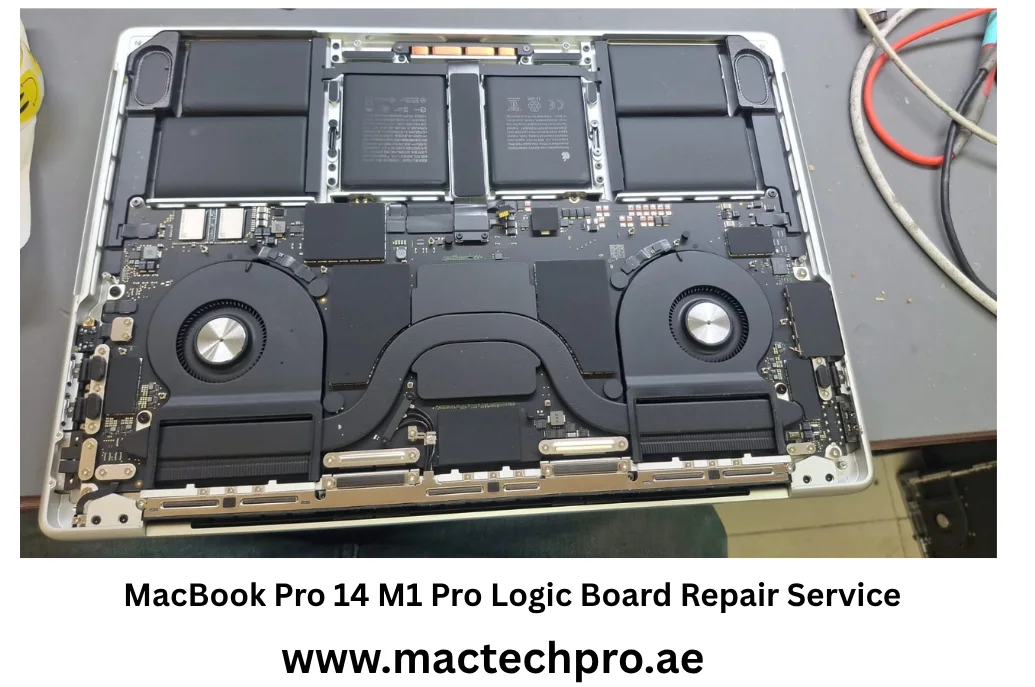
If there's one line to take from this, it's that speed isn't a nice-to-have with liquid damage. It's the whole game.
The corrosion process is continuous. Every hour the residue sits on a live or even powered-off board, it does more damage, and the line between "fully recoverable" and "too far gone" moves quietly against you. Professional decontamination, done early, routinely saves both the board and everything stored on it. Done late, the same spill can mean a board replacement or unrecoverable storage.
What to do the moment it happens:
The A2442 (14" M1 Pro / M1 Max) is the machine in this case, but the same principles hold across the Apple Silicon line — M1, M2, M3, and M4, in both the 14" and 16" MacBook Pro and the MacBook Air. The denser the board, the less corrosion it takes to cause a problem, and the more a fast, microscope-level cleaning matters.
If your MacBook has taken a spill, the worst thing you can do is wait. Power it down and get it to MacTech Pro for assessment fast.