
Activation Lock, an EFI firmware padlock, or a lingering corporate MDM profile standing between you and a Mac you own? Dan and the team clear it the honest way — owner-verified, resolved at the source, so your Mac comes back clean, updatable, and yours for good.
Owner-verified · Permanent & update-safe · Same-day where verifiable
Reviewed by Dan, Best Mac Technician in Dubai
Can you remove a Mac lock you don't own?
Quick Answer
No — and you should avoid any Dubai shop that claims it can. Activation Lock, firmware passwords and MDM exist to protect owners. With proof of ownership — an invoice with the serial, the linked Apple ID, or owner/IT authorisation — MacTech Pro clears the lock at its source so it's permanent and survives every future macOS update. Many cases are same-day.
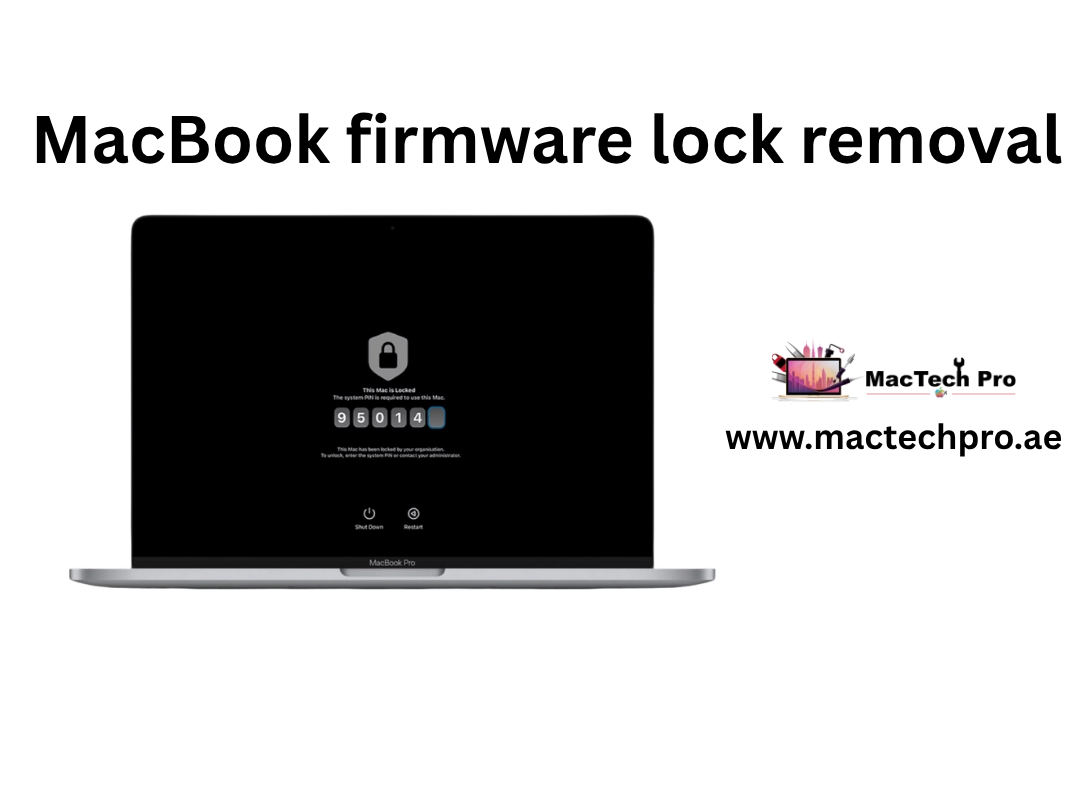
Being locked out of a MacBook you paid for is genuinely stressful. The machine is yours, but an Activation Lock screen, an EFI firmware password, or a lingering company management profile won't let you in. MacTech Pro fixes that the honest way — by establishing ownership and resolving each lock at its source, so your Mac comes back clean, updatable, and yours for good, not patched in a way that breaks on the next update.
Our lead technician Dan is regarded by many as one of the best Mac technicians in Dubai, and his background is the real thing: years of board-level work on MacBook logic boards, T2 and M-series Secure Enclave architecture, and SPI firmware. That depth matters here because the first job isn't to remove anything — it's to correctly identify which lock you're actually facing and the right, lasting way to clear it. We serve owners across JLT, Downtown, Dubai Marina, Business Bay, and the rest of the city.
Locked out of your own Mac? Message MacTech Pro on WhatsApp with a photo of the lock screen for honest advice.
Here's the part that separates a real fix from a dead end: for almost every one of these locks, proof of ownership is the fastest route to a permanent solution — and the only route that survives future macOS updates. So before any work begins, MacTech Pro confirms you're the rightful owner. It's not bureaucracy, it's what makes the fix stick. Depending on the situation, we'll ask for things like:
If you can establish ownership, we can almost always get you to a fully unlocked, update-safe Mac. If you can't, we'll tell you straight and point you to the correct official process, rather than take your money for something that won't hold.
Activation Lock, a firmware password, and a corporate MDM profile look similar from the outside but need completely different, lock-specific routes. Identifying yours correctly is the whole job.
Activation Lock ties your Mac to an Apple ID so a lost or stolen machine can't simply be wiped and reused. If it's yours, clearing it is genuinely straightforward:
A firmware password is the padlock that appears before macOS even starts to load. On older Intel Macs it lives in the EFI; on T2 and Apple Silicon it's enforced through the Secure Enclave — a completely different architecture. How Dan approaches it:
Mobile Device Management lets a company control the Macs it issues. If your business owns the hardware, removing or transferring that enrollment is completely legitimate — we help IT teams & SME owners across Business Bay, Media City and Internet City:
What we won't do is reflash a Secure Enclave to strip Activation Lock from a machine we can't verify — that's precisely the method used on stolen devices. What we will do is get a verified owner back into their Mac, fast. And because each enrollment is removed properly at the source rather than severed in a way that breaks later, the machine stays fully update-safe with no re-locking on the next macOS release.
Done right, lock removal is a discipline: verify, identify, resolve at the source, rule out hardware, return update-safe. Here's exactly how Dan does it.
Before any work, we establish rightful ownership — proof of purchase with serial, the associated Apple ID, or owner/IT authorisation for corporate Macs. This is the only route that survives future macOS updates.
Dan confirms whether the machine is Intel-EFI, T2, or Apple Silicon, and which lock you face — Activation Lock, firmware password, or MDM — because the right path depends entirely on the architecture.
The lock is cleared properly — signing out of Find My, Apple's hardware-service firmware reset, or a clean MDM release from the owning organisation — not bypassed in a way that breaks later.
Sometimes a firmware lock is really a corrupted boot ROM or a failing SPI chip. Dan's micro-soldering expertise distinguishes a genuine board fault from a software lock — and repairs it in-house if needed.
Because each lock is resolved at the source with verification, the Mac comes back fully unlocked, updatable, and yours — with no re-locking on the next macOS release.
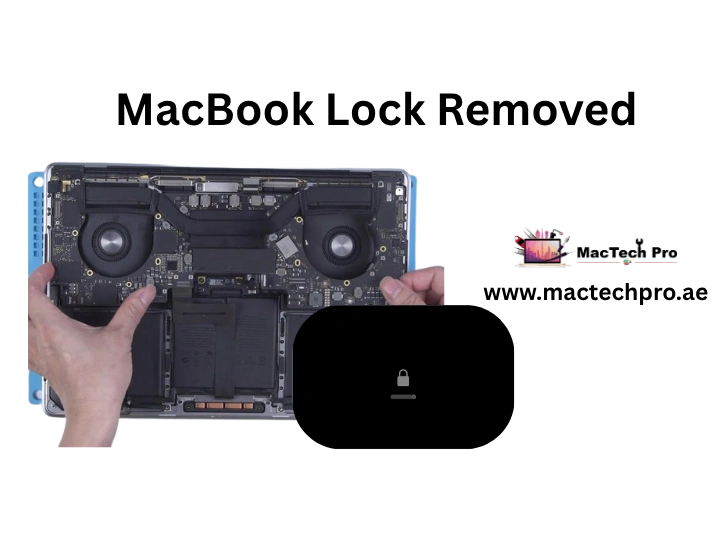
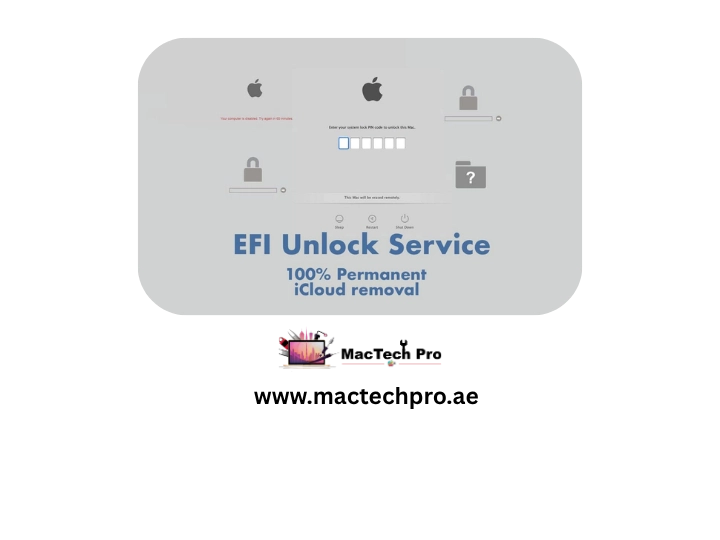
MacTech Pro works across the full MacBook range — Intel, T2, and Apple Silicon from M1 to M5. Knowing your exact model and chip generation is the first step, since the lock architecture differs completely between an Intel-EFI Mac, a T2 machine, and an M-series Secure Enclave. Your number is on the underside of the chassis or under About This Mac.
| MacBook Air Model & Size | Model No. | Chip / Security |
|---|---|---|
| MacBook Air 11-inch (2015) | A1465 | Intel |
| MacBook Air 13-inch (2015) | A1466 | Intel |
| MacBook Air 13-inch (2017) | A1466 | Intel |
| MacBook Air 13-inch Retina (2018) | A1932 | Intel (T2) |
| MacBook Air 13-inch Retina (2019) | A1932 | Intel (T2) |
| MacBook Air 13-inch Retina (2020) | A2179 | Intel (T2) |
| MacBook Air 13-inch M1 (2020) | A2337 | Apple M1 |
| MacBook Air 13-inch M2 (2022) | A2681 | Apple M2 |
| MacBook Air 15-inch M2 (2023) | A2941 | Apple M2 |
| MacBook Air 13-inch M3 (2024) | A3113 | Apple M3 |
| MacBook Air 15-inch M3 (2024) | A3114 | Apple M3 |
| MacBook Air 13-inch M4 (2025) | A3240 | Apple M4 |
| MacBook Air 15-inch M4 (2025) | A3241 | Apple M4 |
| MacBook Air 13-inch M5 (2026) | A3449 | Apple M5 |
| MacBook Air 15-inch M5 (2026) | A3448 | Apple M5 |
| MacBook Pro Model & Size | Model No. | Chip / Security |
|---|---|---|
| MacBook Pro 13-inch (2015) | A1502 | Intel |
| MacBook Pro 15-inch (2015) | A1398 | Intel |
| MacBook Pro 13-inch (2016/2017, 2 ports) | A1708 | Intel |
| MacBook Pro 13-inch (2016/2017, 4 ports) | A1706 | Intel |
| MacBook Pro 15-inch (2016/2017) | A1707 | Intel |
| MacBook Pro 13-inch (2018/2019) | A1989 / A2159 | Intel (T2) |
| MacBook Pro 15-inch (2018/2019) | A1990 | Intel (T2) |
| MacBook Pro 16-inch (2019) | A2141 | Intel (T2) |
| MacBook Pro 13-inch (2020, Intel) | A2289 / A2251 | Intel (T2) |
| MacBook Pro 13-inch M1 (2020) | A2338 | Apple M1 |
| MacBook Pro 14-inch M1 Pro/Max (2021) | A2442 | M1 Pro / Max |
| MacBook Pro 16-inch M1 Pro/Max (2021) | A2485 | M1 Pro / Max |
| MacBook Pro 13-inch M2 (2022) | A2338 | Apple M2 |
| MacBook Pro 14-inch M2 Pro/Max (2023) | A2779 | M2 Pro / Max |
| MacBook Pro 16-inch M2 Pro/Max (2023) | A2780 | M2 Pro / Max |
| MacBook Pro 14-inch M3 family (2023) | A2918 / A2992 | M3 / Pro / Max |
| MacBook Pro 16-inch M3 Pro/Max (2023) | A2991 | M3 Pro / Max |
| MacBook Pro 14-inch M4 family (2024) | A3112 / A3401 / A3185 | M4 / Pro / Max |
| MacBook Pro 16-inch M4 Pro/Max (2024) | A3403 / A3186 | M4 Pro / Max |
| MacBook Pro 14-inch M5 family (2025/2026) | A3434 / A3426 / A3427 | M5 / Pro / Max |
| MacBook Pro 16-inch M5 Pro/Max (2026) | A3428 / A3429 | M5 Pro / Max |
Dan's reputation as one of Dubai's best Mac technicians is built on real board-level engineering — Secure Enclave, SPI firmware, and T2 and M-series architecture, not guesswork.
We tell you which lock you're facing and the correct route to clear it — including the times the right answer is Apple rather than us.
We never access your personal files without permission, and ownership-verified work keeps your data intact.
Same-day appointments where ownership is verifiable, plus pickup and delivery across Dubai — JLT, Downtown, Marina, Business Bay and beyond.
Because we resolve at the source with verification, your Mac stays unlocked and update-safe — no nasty surprise on the next macOS release.
When a firmware lock is really a hardware fault, in-house SPI firmware and boot ROM micro-soldering means it's fixed properly, not sent away.
Own the Mac and just need back in? Bring it to MacTech Pro in Dubai, or have us collect it, and Dan will get you to a clean, unlocked, update-safe machine the right way. Call for a same-day appointment where ownership is verifiable, chat on WhatsApp with a photo of your lock screen for honest advice first, or book free pickup and delivery anywhere in Dubai — bring your proof of purchase to speed things up.
MacTech Pro — verified-owner MacBook lock help in Dubai. Activation Lock, firmware & MDM, cleared the proper, permanent way. Led by master technician Dan. MacBook Air & Pro, 2015–2026.
Two quick steps — tell us about the lock, then how to reach you. Free diagnosis, honest answer, owner-verified clearing.
Tap “Send on WhatsApp” and your details are pre-filled in a message to our team. Add a photo of the lock screen for the fastest, most honest advice — no obligation.
Real reviews from Mac owners across Dubai we got back into their own machines.