
Apple's M5 is here — and it's the most AI-focused Mac chip yet. Here's what actually changed from the M4, in plain language, and whether it's worth the jump.
We service M1–M5 · Honest advice · 380+ reviews
Explained by Dan, Best Mac Technician in Dubai
Quick Answer
The base M5 moves to a 10-core CPU and a next-generation 10-core GPU with a dedicated Neural Accelerator in every GPU core — the headline change. Apple cites over 4x the peak GPU compute for AI versus M4, up to ~45% better graphics, and roughly 15% faster multithreaded CPU, plus a faster 16-core Neural Engine and nearly 30% more memory bandwidth (about 153GB/s). It's built on third-generation 3nm. In short: a big AI and graphics leap, a moderate CPU bump.
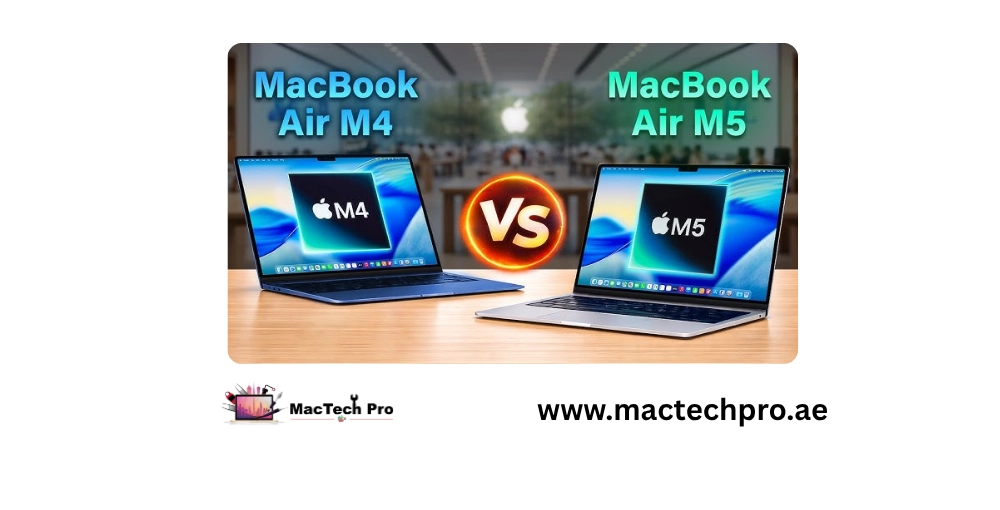
Every year Apple's chip names tick up, and every year the real question is the same: what genuinely improved, and does it matter for what I do? The M5 is a meaningful step over the M4 — especially for anything AI-related — but not every user needs to rush. Here's an honest, jargon-light breakdown.
This is the defining change. It's what delivers the huge AI-compute gains — on-device AI, image generation, and running local language models are dramatically faster.
Up to around 45% better graphics than M4, with third-generation ray tracing — real for gaming, 3D, and rendering.
An improved 16-core Neural Engine and ~30% more memory bandwidth speed up Apple Intelligence and memory-heavy work.
Around 15% faster multithreaded than M4 — welcome, but the CPU isn't where the big story is this year.
The Pro and Max versions go further. Both move to an 18-core CPU (six new high-performance "super cores" plus 12 efficiency cores), up from M4 Pro/Max, for up to ~30% faster multithreaded performance. The GPU scales to up to 20 cores (Pro) or 40 cores (Max), each with a Neural Accelerator. They also debut Apple's Fusion Architecture — two bonded dies working as one, a first for Apple silicon — plus Thunderbolt 5 and the new N1 wireless chip (Wi-Fi 7). For heavy pro workloads, the M5 Pro/Max jump is substantial.
| Feature | M4 (base) | M5 (base) |
|---|---|---|
| CPU cores | 10-core | 10-core (faster cores) |
| GPU | 10-core | 10-core, Neural Accelerator per core |
| AI (peak GPU compute) | Baseline | Over 4x vs M4 |
| Graphics | Baseline | Up to ~45% higher |
| Neural Engine | 16-core | 16-core, improved |
| Memory bandwidth | ~120GB/s | ~153GB/s (+~30%) |
*Figures are Apple's stated comparisons; real-world gains vary by task.
You do serious on-device AI, machine learning, heavy 3D, rendering, or gaming — the GPU and AI gains are genuinely large.
You mainly browse, write, use office apps, and watch video — an M4 (or even M1–M3) still handles all of that beautifully, and the CPU jump alone is modest.
As a rule, upgrading every single generation rarely makes financial sense; upgrading every two or three does. If your M4 does everything you need, there's no shame in keeping it.
Whichever chip you run — M1 through M5 — MacTech Pro, Dubai's most trusted MacBook service center with 380+ reviews, services it. And if you're holding onto an older Mac rather than upgrading, our technician Dan can often keep it fast and healthy with a battery, storage, or cooling refresh — far cheaper than a new machine.
→ Keeping your current Mac longer? Let MacTech Pro tune it up. See also repair vs replace and our slow MacBook fixes.
Two quick steps — tell us about your MacBook Pro, then how to reach you. Free diagnosis, written quote, 90-day warranty.
Tap “Send on WhatsApp” and your details are pre-filled in a message to our team. We reply with a free written quote — no obligation.
Real reviews from MacBook Pro owners across Dubai who trusted us with their screen repair.